

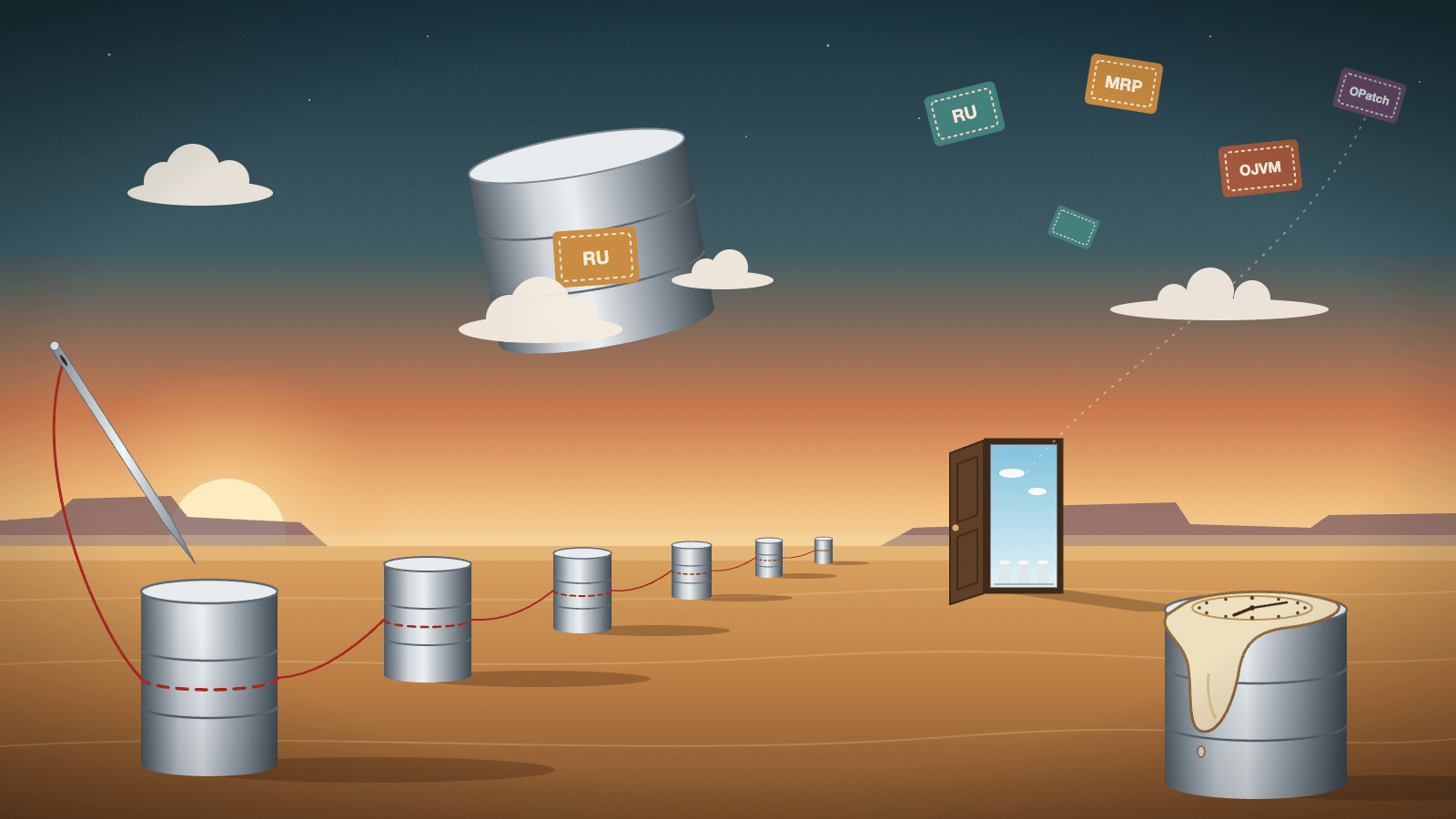
With many Oracle sites moving to a monthly patching cadence DBAs need to find ways to speed up streamline the patching process.
The Oracle autoupgrade utility can help here by providing a modest but valuable way to simplify the identification and download of patches for Database, Grid Infrastructure, OEM and more.
Most DBAs know the power of the autoupgrade utility when upgrading Oracle databases. What many may not know is that autoupgrade can also be used to download patches and patch databases.
Note that autoupgrade only supports out-of-place patching, and currently can only patch Database homes, not Grid Infrastructure homes. This may preclude its use for patching at many sites.
However, the autoupgrade patch download feature does support the downloading of patches for database, grid infrastructure, OEM components and more and is of value for all sites.
Autoupgrade is a jar file, so can be run from Windows or Linux machines. The examples here are Linux based.
Autoupgrade can be downloaded without providing any Oracle Support credentials.
E.g:
[oracle@xxxx-xxx-xx00 autoupgrade]$ curl -L -o autoupgrade.jar https://download.oracle.com/otn-pub/otn_software/autoupgrade.jar
% Total % Received % Xferd Average Speed Time Time Time Current
Dload Upload Total Spent Left Speed
0 0 0 0 0 0 0 0 --:--:-- --:--:-- --:--:-- 0
100 433 100 433 0 0 263 0 0:00:01 0:00:01 --:--:-- 2327
100 7005k 100 7005k 0 0 1998k 0 0:00:03 0:00:03 --:--:-- 8108k
[oracle@ xxxx-xxx-xx00 autoupgrade]$ ls -l autoupgrade.jar
-rw-r--r--. 1 oracle oinstall 7174061 Jul 7 16:51 autoupgrade.jar
[oracle@ xxxx-xxx-xx00 autoupgrade]$ java -jar autoupgrade.jar -version
build.version 26.4.260701
build.date 2026/07/01 21:57:45 +0000
build.hash 211bf76de
build.hash_date 2026/06/27 01:28:23 +0000
build.supported_target_versions 12.2,18,19,21,23,26
build.type production
build.label (HEAD, tag: v26.4, origin/stable_devel, stable_devel)
build.MOS_NOTE KB123450
build.MOS_LINK https://support.oracle.com/support/?anchorId=&kmContentId=2485457&page=sptemplate&sptemplate=km-article
To use autoupgrade to actually download patches you need to configure it before the first run with valid Oracle Support credentials.
E.g:
[oracle@ xxxx-xxx-xx00 autoupgrade]$ java -jar autoupgrade.jar -config example.cfg -patch -load_passwordProcessing config file ...
Starting AutoUpgrade Patching Password Loader - Type help for available options
Creating new AutoUpgrade Patching keystore - Password required
Enter password:
Enter password again:
AutoUpgrade Patching keystore was successfully created
MOS> add -user john.doe@pebbleit.com.au
Enter your secret/Password:
Re-enter your secret/Password:
MOS> save
Select auto-login mode for the AutoUpgrade Patching keystore [YES|NO|SHARED]: YES
MOS> exit
AutoUpgrade Patching Password Loader finished - Exiting AutoUpgrade Patching
[oracle@ xxxx-xxx-xx00 autoupgrade]$
This example is based on downloading the October 2026 Database Release Update referenced in Oracle Critical Patch Update Advisory - October 2026 (https://www.oracle.com/security-alerts/cpuoct2026.html) and the Database MRP and OEM Release Updates and Holistic Patch Updates referenced in Oracle Critical Security Patch Update Advisory - November 2026 (https://www.oracle.com/security-alerts/cspunov2026.html)
Traditionally this would involve starting at the URLs above, navigating through multiple Oracle Support Knowledge articles, reviewing README documents for additional dependencies and eventually arriving at a set of patch numbers that need to individually download.
Autoupgrade replaces all of this with a single re-usable configuration file that leverages generic tags rather than explicit patch numbers (though specific patch numbers can be included as well if required)
Here is the required config file for getting the latest database RU and MRP, and the latest OEM components following the release of the patches documented in the October 2026 CPU advisor and the November 2026 CSPU Advisory. Note there is no references in the config file to specific patch numbers. Autoupgrade will automatically determine this.
# example.cfg
#
# Global settings
global.keystore=/u03/stage/autoupgrade/keystore
global.global_log_dir=/u03/stage/autoupgrade/log/202611_OEM_NOV
global.folder=/u03/stage/autoupgrade/patches/202611_OEM_NOV
#
# Database patch
patch1.target_version=19
patch1.platform=LINUX.X64
patch1.patch=OPATCH,RU,OJVM,MRP
# OEM patch
# target_version is dummy placeholder
patch2.target_version=19
patch2.patch=OEM:24.1
All required patches can now be downloaded with a single command.
E.g:
[oracle@ xxxx-xxx-xx00 autoupgrade]$ java -jar autoupgrade.jar -config example.cfg -patch -mode download
AutoUpgrade Patching 26.6.260925 launched with default internal options
Processing config file ...
Loading AutoUpgrade Patching keystore
AutoUpgrade Patching keystore is loaded
Connected to MOS - Searching for specified patches
------------------------------------------------------------------
Downloading files to /u03/stage/autoupgrade/patches/202611_OEM_NOV
------------------------------------------------------------------
DATABASE RELEASE UPDATE 19.33.0.0.0
File: p39915792_190000_Linux-x86-64.zip - VALIDATED
OPatch 12.2.0.1.55 for DB 19.0.0.0.0 (Oct 2026)
File: p6880880_190000_Linux-x86-64.zip - VALIDATED
OJVM RELEASE UPDATE 19.33.0.0.0
File: p39803650_190000_Linux-x86-64.zip – VALIDATED
DATABASE MRP 19.33.0.0.261117
File: p40196156_1933000DBRU_Linux-x86-64.zip - VALIDATED
------------------------------------------------------------------
------------------------------------------------------------------
Downloading files to /u03/stage/autoupgrade/patches/202611_OEM_NOV
------------------------------------------------------------------
Oracle Enterprise Manager 24ai Release 1 Update 15 (24.1.0.15) for Oracle Management Service
File: p40070059_241000_Generic.zip - VALIDATED
Oracle Enterprise Manager 24ai Release 1 Holistic Patch for Oracle Management Service - November 2026
File: p40295486_241000_Generic.zip - VALIDATED
Oracle Enterprise Manager 24ai Release 1 Update 15 (24.1.0.15) for Oracle Management Agent
File: p40070060_241000_Generic.zip - VALIDATED
OMSPatcher patch of version 13.9.24.19.0 for Enterprise Manager 24.1.0.0.0
File: p19999993_241000_Generic.zip - VALIDATED
AgentPatcher patch of version 13.9.25.4.0 for Enterprise Manager 24.1.0.0.0
File: p33355570_241000_Generic.zip - VALIDATED
------------------------------------------------------------------
[oracle@ xxxx-xxx-xx00 autoupgrade]$
Voila ! Everything needed to patch an OEM server, OEM agents and OEM repository database sourced in a single command.
Next month the identical command can be used to download the relevant patches for that month. If the same global.folder in the config file is used, then autoupgrade is smart enough to only download any new patches.
If the server to be used to download the patches is behind a firewall then access to multiple URLs are required.
Additionally if access needs to be via a https proxy then this is supported through the standard mechanisms.
E.g: (to ensure username/passwords don’t actually get specified on the command line define an environment variable.)
read -p "Enter proxy username:password " PROXY_USER
For the curl download of the latest version of autoupgrade provide the following additional options to the curl command.
curl -L -x http://your-proxy.org.au:8080 -U "$PROXY_USER" -o autoupgrade.jar https://download.oracle.com/otn-pub/otn_software/autoupgrade.jar
For the java invocation of auto upgrade specify the following environment variable before running the java -jar autoupgrade command
export https_proxy=http://$PROXY_USER@your-proxy.xxx.au:8080
Oracle’s Database Upgrade Guide provides comprehensive details on AutoUpgrade patching
https://docs.oracle.com/en/database/oracle/oracle-database/26/upgrd/autoupgrade-patching.html
Mike Dietrich’s and Daniel Overby Hansen’s blogs all contain excellent examples. Here are a few examples to get you started.
https://mikedietrichde.com/2025/08/12/autoupgrade-patching-getting-started-with-connor-mcdonald/
https://dohdatabase.com/2025/04/16/the-easiest-way-to-download-19-27-release-update/
https://dohdatabase.com/2025/04/15/autoupgrade-new-features-using-proxy-to-download-patches-2/